New from Lutron: The Timeless Aviena Lighting Control Keypad

new-from-lutron-the-timeless-aviena-lighting-control-keypad

Elevating Interior Design with a Touch of Brass 

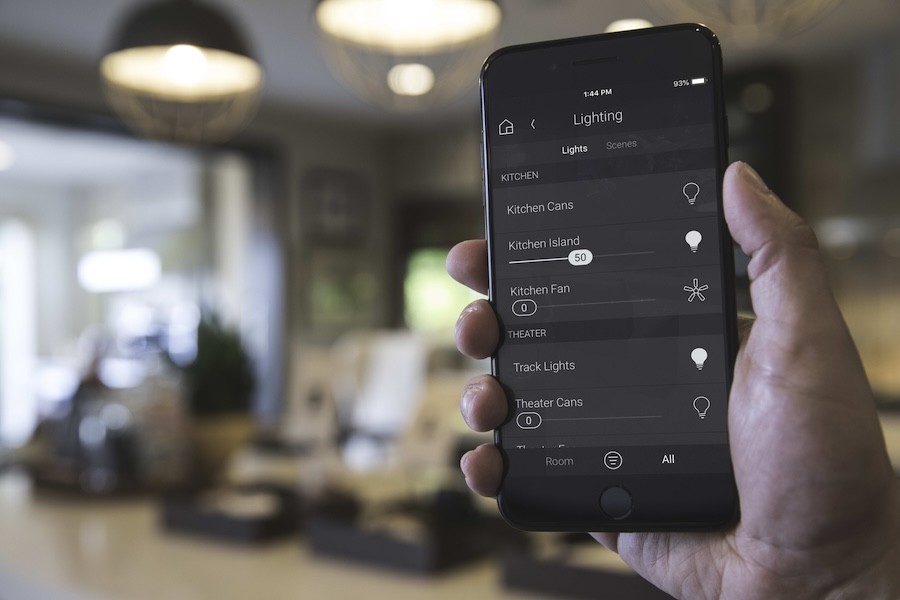
When many people hear ‘home automation,’ they think of glossy screens and futuristic gadgets. But Lutron offers a refreshing alternative for whole-home lighting control: the Aviena keypad. 

Designed with antique charm and performance, Aviena proves that smart technology can also be beautiful.

If you’re in the Dallas/Ft. Worth area and planning a luxury home build or renovation, here’s why this new lighting control solution deserves your attention.

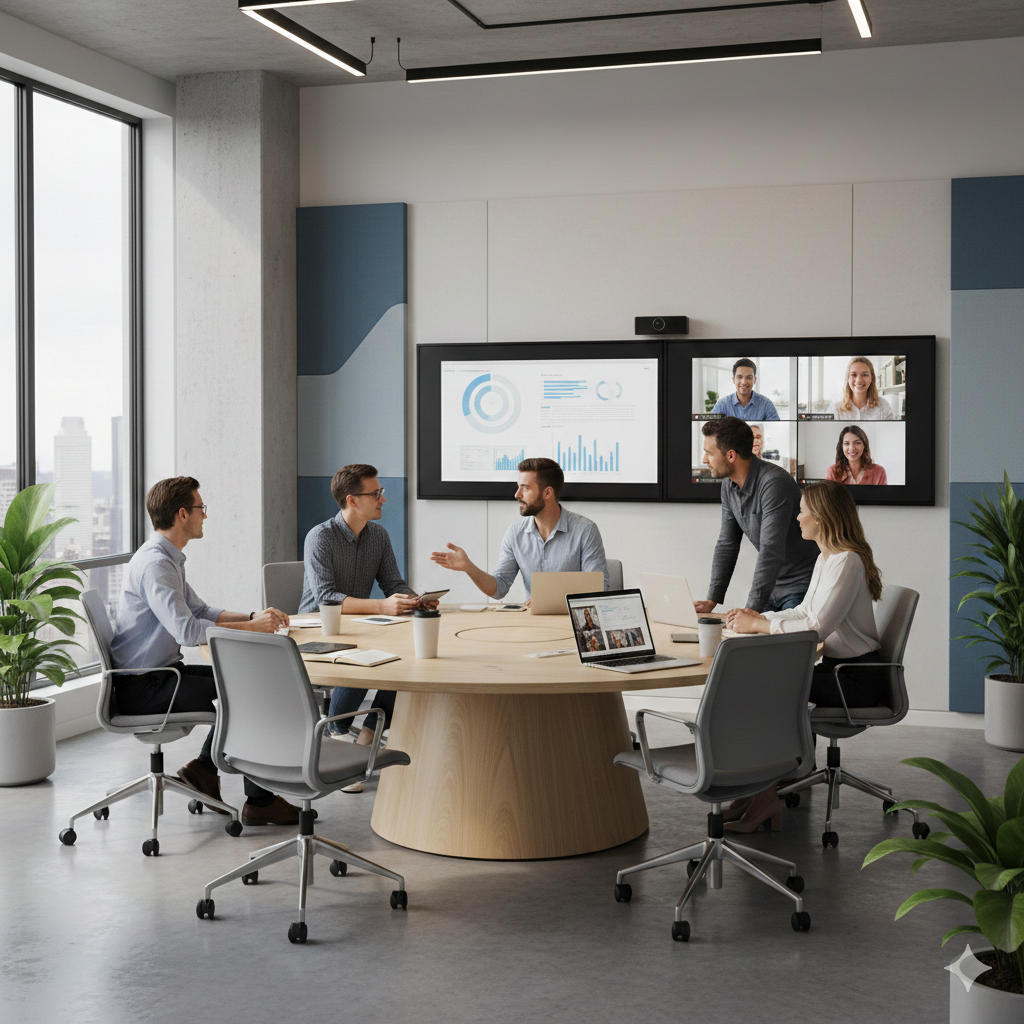
Collaboration Spaces: What Are They & What Are They Used For?

image_21658

Conference Rooms & Collaboration Spaces: Two Distinct Concepts 

If your team is still trying to make hybrid work work, or if traditional conference rooms aren’t delivering the results you expect, it may be time to consider a shift.

Search interest in “collaboration space” has nearly quadrupled since 2014, peaking this past summer 2025. But what exactly are these spaces, and how do they differ from the conference rooms most offices already have?

Let’s unpack the meaning, benefits, and use cases of collaboration spaces—and why they’re quickly becoming essential across industries.

What Is a Collaboration Space?

A collaboration space is an environment purpose-built to support idea generation, creativity, and problem-solving with some hybrid communication. Unlike traditional conference rooms that often cater to static presentations, collaboration spaces are interactive and flexible.

These rooms should feature modular, easily-moved furniture, dynamic room layouts, and technology designed to enhance group productivity, whether the team is in-person, remote, or both. Think interactive whiteboards, integrated video conferencing, in-ceiling audio, and intuitive room controls, all working together in one seamless solution.

Continue reading

Building a House? 5 Reasons to Loop in a Technology Integrator

building-a-house-5-reasons-to-loop-in-a-technology-integrator

You’ll Want These Features Installed Before Walls Are Finished Over 

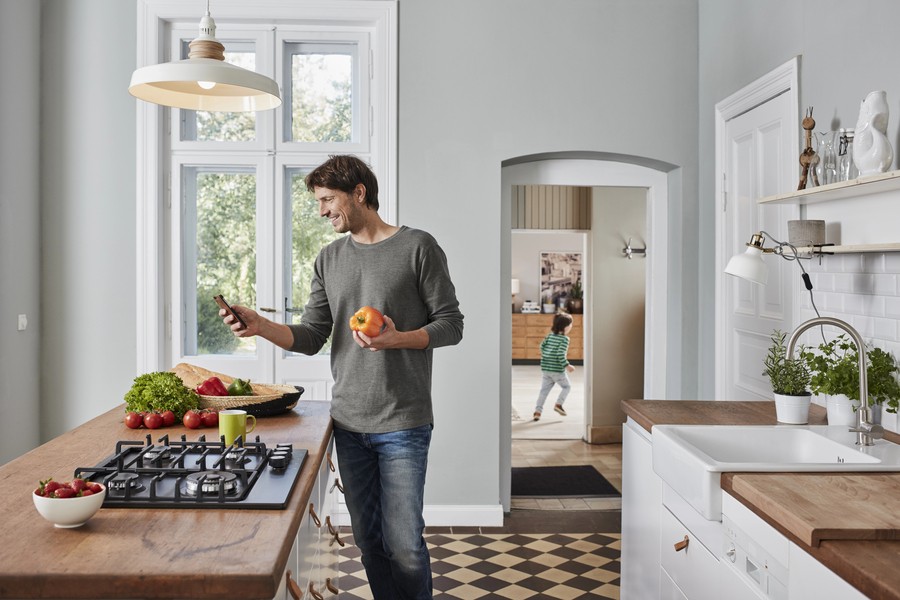
It takes a village to build a new house or complete a renovation. There’s your general contractor, of course, but under them, you may have a carpenter, roofer, plumber, mason, electrician, etc. And if you’re planning to build a luxury home, there’s another contractor you’ll want: a technology integrator. 

The role of the integrator is to install technology systems that work together. Whether that’s whole-home audio, security systems, or smart lighting, it all connects back to one centralized system. At Texadia Systems in Dallas-Fort Worth, we discreetly run wires and install devices so that they fit seamlessly within your space. 

It’s best to loop in an integrator as early as possible during your home’s construction. Here’s why you’ll be grateful you did so. 

5 Reasons to Hire an Integrator for Your New Home Build 

1. You’ll Simplify How You Manage Your Home 

As an integrator, we aim to simplify how you interact with home technology, from lighting to thermostats. Your integrator will consolidate every technology feature into one control system, including: 

  • Home security cameras 
  • Alarms 
  • Automated door locks 
  • Automated gates 
  • Whole-home audio 
  • TVs and projectors 
  • Outdoor audio-video 
  • Smart LED lighting 
  • Landscape lighting 
  • Motorized window shades 
  • Smart thermostats 
  • Electric fireplaces 
  • Garage doors 
  • Ceiling fans 
  • Energy management 
  • And more! 

Smart home systems like Control4 provide all-in-one control of all these solutions—both from home and remotely. So even when you’re away from home, you’re connected. 

Continue reading

A Smart Home’s Nothing Without a Strong Network

a-smart-homes-nothing-without-a-strong-network

How Networking Powers Today’s Lighting, Shading, & Automation Systems

Most people tend to focus on the fun, flashy aspects of smart home living: beautiful lighting scenes, motorized shades, whole-home audio, etc. And it’s understandable—that’s the part you want to experience in your home. 

But what many homeowners don't realize is that every one of these experiences depends on something less visible: a professionally designed network. In this article, we'll explore how networking infrastructure supports today's most sophisticated smart homes in and around Dallas–Fort Worth, and what homeowners should consider when building or upgrading their residences. 

6 Apps to Control Your Home? There Must Be a Better Way

6-apps-to-control-your-home-there-must-be-a-better-way

Condense Your Apps Into One Smart System 

To any homeowner who’s interested in smart home living, we tell them the best decision they can make is having a professional install a home automation system. 

But this recommendation is often received with skepticism. “I don’t need a whole smart home system!” they say. “I just want some smart lights and a smart thermostat and a few other things.” 

Fine, fine, fair enough. But as you begin to collect more smart home devices over the years, you may find yourself in over your head with apps and remotes. Here’s where it can go wrong. 

How We Helped a DFW Financial Institution Simplify Their AV Systems

how-we-helped-a-dfw-financial-institution-simplify-their-av-systems

Client Success Story: Transforming Tedious Tech Into a Smooth, Integrated Experience 

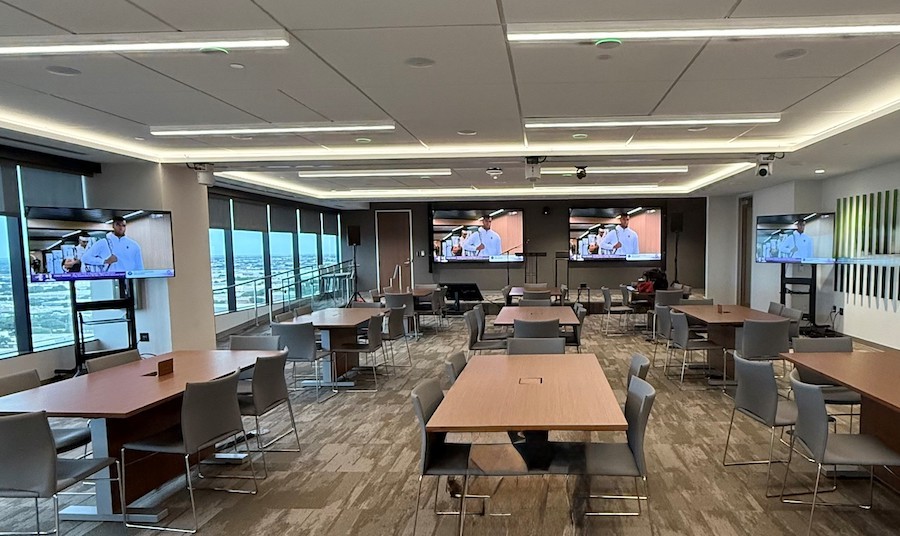
When a leading financial institution in Dallas/Ft. Worth expanded its office with a new floor, they knew they would need new AV technology. But after evaluating their existing systems, they realized it may not be as simple as adding on new tech. 

The problem? Their previous technology stack was anything but simple. Frequent reboots, inconsistent room experiences, and disjointed systems created barriers to productivity, and eroded their confidence in the technology.

That’s where Texadia Systems stepped in with a plan: simplify, standardize, and stabilize.

Buying a New House or Building? Here’s How to Make It Smart

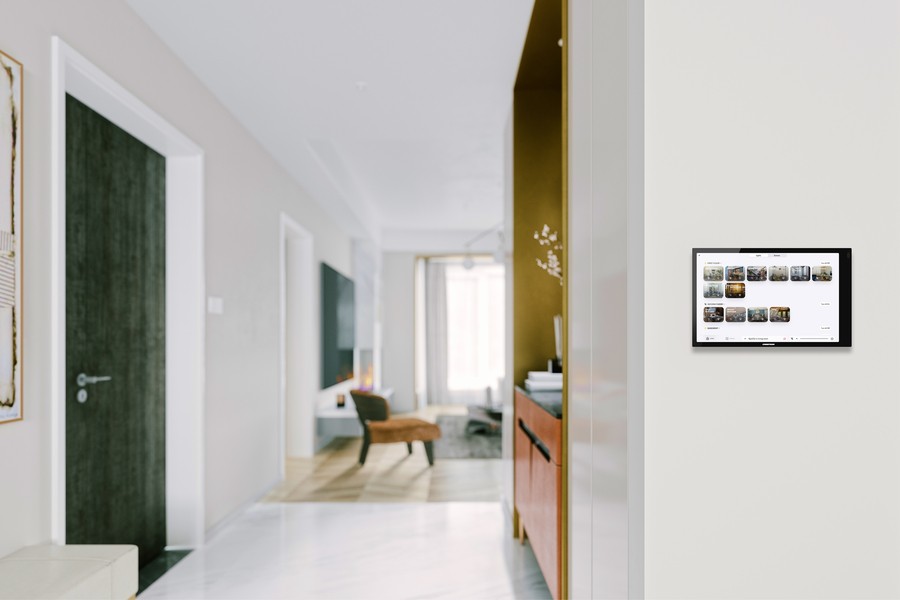
A home interior with a Control4 smart home control panel on the wall.

Look Ahead & Upgrade to Make the Most of Your New Home 

Are you purchasing a home with a home control system? Congrats! If it’s all ready for you, you’ll love it. 

Unfortunately, that is not always the case. New homeowners are often left with an outdated system or one that’s missing components. Maybe there’s wiring and speakers in place for multi-room audio, but it’s not set up for you. Or perhaps there’s a centralized lighting system installed, but some of the keypads no longer work. 

Or maybe your new home doesn’t feature any smart home technology, but you’d still like to install it. It isn’t too late! Wherever your house is in the smart home journey, here’s a technology checklist to help you create a connected, convenient home. 

How Can I Display Multiple Feeds at Once on My Video Wall?

how-can-i-display-multiple-feeds-at-once-on-my-video-wall

Getting Started with Direct-View LED Walls 

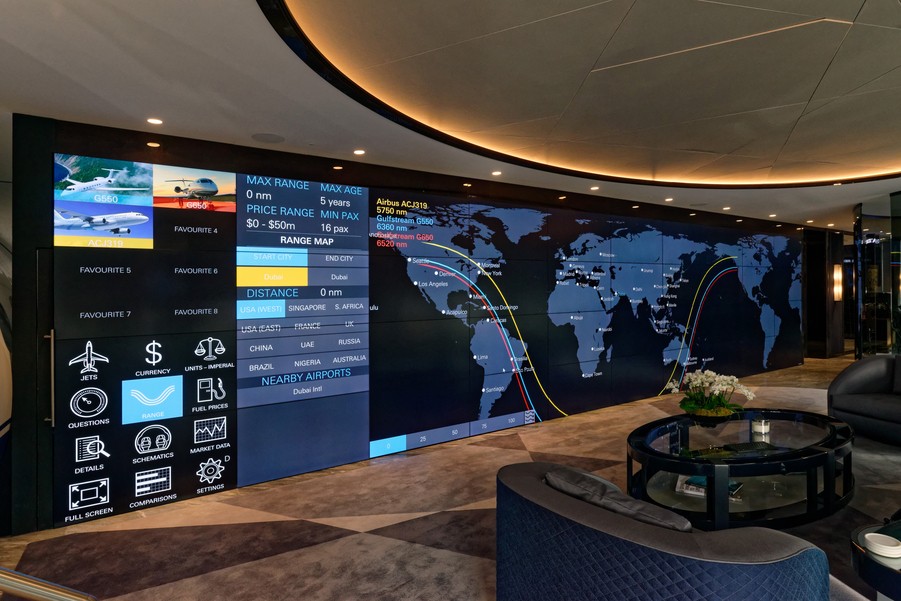
From command centers to retail spaces, all types of businesses thrive with a video wall display. 

While the video wall has been around for quite some time (first introduced in the early 1980s), the latest, greatest version in 2025 is the Direct View LED Video Wall. Unlike previous iterations, DVLEDs don’t use a backlight to display an image. Instead, each individual LED diode is both a light source and a pixel. Each pixel emits its own light, creating richer colors and a smooth, grid-free image. 

Direct View LED walls are also completely modular and scalable to any size or aspect ratio—which is especially helpful for any business looking to get creative with their video wall display. You don’t have to stick to one image or video on the screen. Why not use your wall-sized screen to share all the content you desire? 

Whether you need game coverage in a sports bar or wayfinding content in an airport, a commercial integrator like Texadia Systems can help you customize the number of images/videos on display. Here’s how it works. 

Two Essential Components: the Processor & Controller 

To set up your video wall’s display, you’ll need a quality processor and controller, which serve two very distinct purposes:

Continue reading

The Conference Room Reset: How Hybrid Work Forced Companies to Rethink Collaboration Spaces

the-conference-room-reset-how-hybrid-work-forced-companies-to-rethink-collaboration-spaces

How Hybrid Work Reveals the Weaknesses of Outdated Meeting Rooms 

In 2020, when most of the working world went online, we proclaimed that the future was remote. Many business owners worried their offices would forever sit empty. 

That didn’t turn out to be the case—instead, most businesses are operating on a hybrid model. Today, 50-52 percent of ‘remote capable’ jobs are working hybrid, with 22-30 percent fully remote and 20-22 percent entirely on-site. 

Subscribe to Inspiration
Stay up to date on the latest smart technology ideas and innovations.

Powered By One Firefly   |    Sitemap   |    Privacy Policy


https://www.cigna.com/legal/compliance/machine-readable-files

This link leads to the machine-readable files that are made available in response to the federal Transparency in Coverage Rule and includes negotiated service rates and out-of-network allowed amounts between health plans and healthcare providers. The machine readable files are formatted to allow researchers, regulators, and application developers to more easily access and analyze data.