Building a House? 5 Reasons to Loop in a Technology Integrator

building-a-house-5-reasons-to-loop-in-a-technology-integrator

You’ll Want These Features Installed Before Walls Are Finished Over 

It takes a village to build a new house or complete a renovation. There’s your general contractor, of course, but under them, you may have a carpenter, roofer, plumber, mason, electrician, etc. And if you’re planning to build a luxury home, there’s another contractor you’ll want: a technology integrator. 

The role of the integrator is to install technology systems that work together. Whether that’s whole-home audio, security systems, or smart lighting, it all connects back to one centralized system. At Texadia Systems in Dallas-Fort Worth, we discreetly run wires and install devices so that they fit seamlessly within your space. 

It’s best to loop in an integrator as early as possible during your home’s construction. Here’s why you’ll be grateful you did so. 

5 Reasons to Hire an Integrator for Your New Home Build 

1. You’ll Simplify How You Manage Your Home 

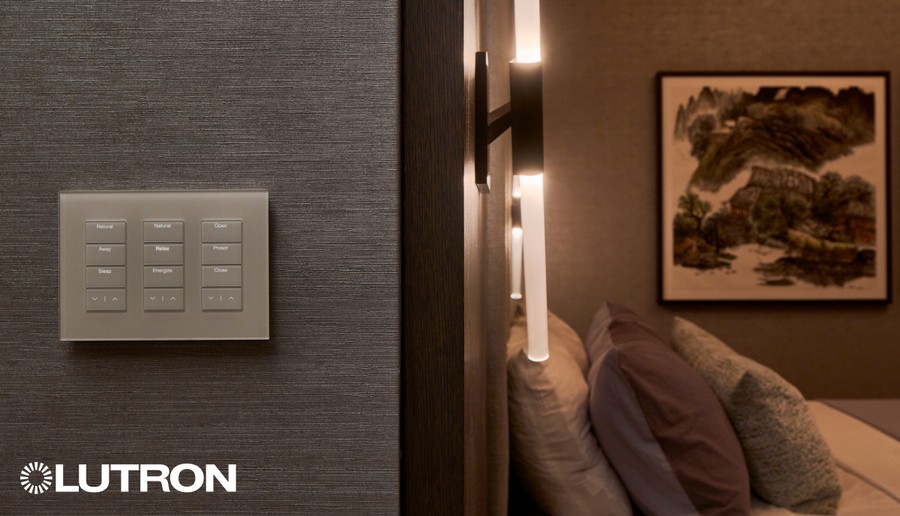
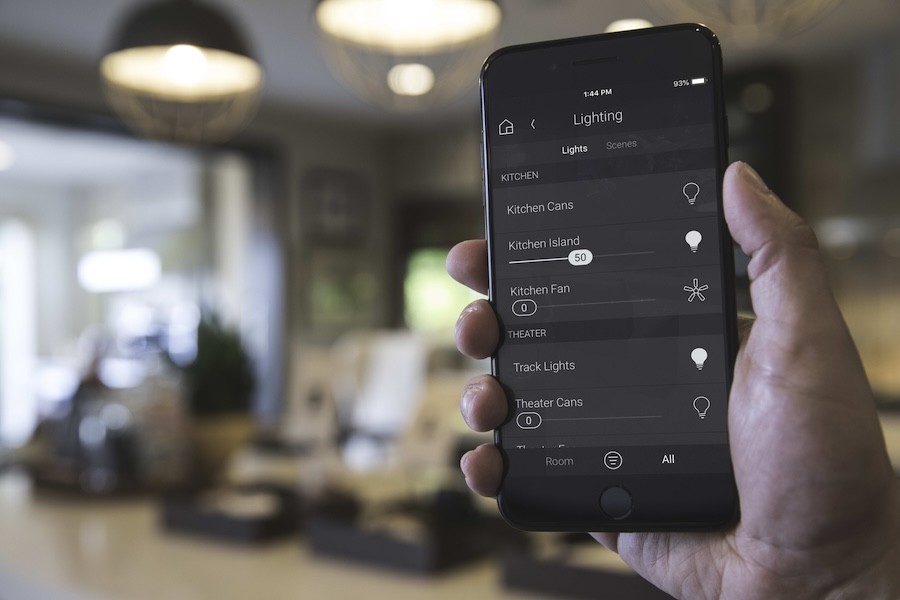
As an integrator, we aim to simplify how you interact with home technology, from lighting to thermostats. Your integrator will consolidate every technology feature into one control system, including: 

  • Home security cameras 
  • Alarms 
  • Automated door locks 
  • Automated gates 
  • Whole-home audio 
  • TVs and projectors 
  • Outdoor audio-video 
  • Smart LED lighting 
  • Landscape lighting 
  • Motorized window shades 
  • Smart thermostats 
  • Electric fireplaces 
  • Garage doors 
  • Ceiling fans 
  • Energy management 
  • And more! 

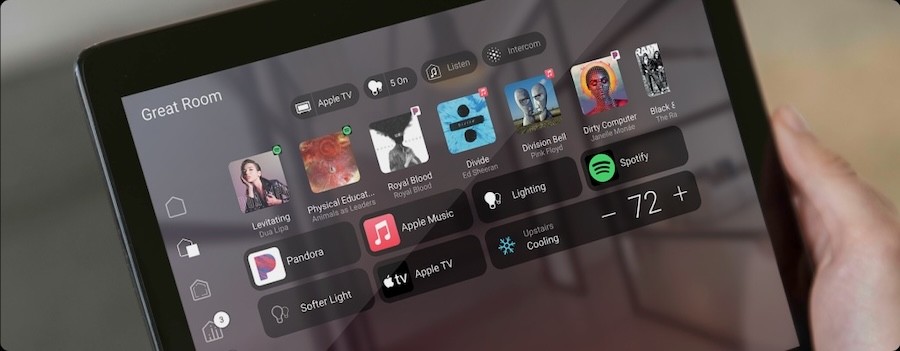
Smart home systems like Control4 provide all-in-one control of all these solutions—both from home and remotely. So even when you’re away from home, you’re connected. 

Continue reading

Wi-Fi 7: What It Is & Why You Need It

wi-fi-7-what-it-is-why-you-need-it

Faster, More Reliable Wi-Fi for the Modern Home 

Not too long ago, we were writing about the exciting new internet protocol, Wi-Fi 6. But as our homes become ever more connected—and audio video streaming quality improves—that puts even more demand on our Wi-Fi. 

Enter Wi-Fi 7, the newest iteration of Wi-Fi standards, now available on home networking devices from brands like WhyReboot and Ruckus. Wi-Fi 7 offers accelerated connectivity, solid reliability, and performance that only compares to wired networks. Streaming 8K, gaming online, and smart home devices are all improved with a Wi-Fi 7 network. 

Here’s what you can expect from a Wi-Fi 7 upgrade and why you’ll be thankful you switched. 

What Is Wi-Fi 7? How Is It Different? 

The new Wi-Fi 7 promises enhanced speeds and reliability. Intel describes Wi-Fi 7 as having “wired-like responsiveness.” It packs more data into each transmission with 320 MHz channels—double the size of Wi-Fi 6. 

Wi-Fi 7 arrives at a perfect time, as 4K and 8K streaming becomes even more prevalent. Wi-Fi 7 can easily handle high-quality 8K video streaming, so you can enjoy movie night without buffering and pixelation. 

Continue reading

Why Access Control Is Non-Negotiable for Your Business

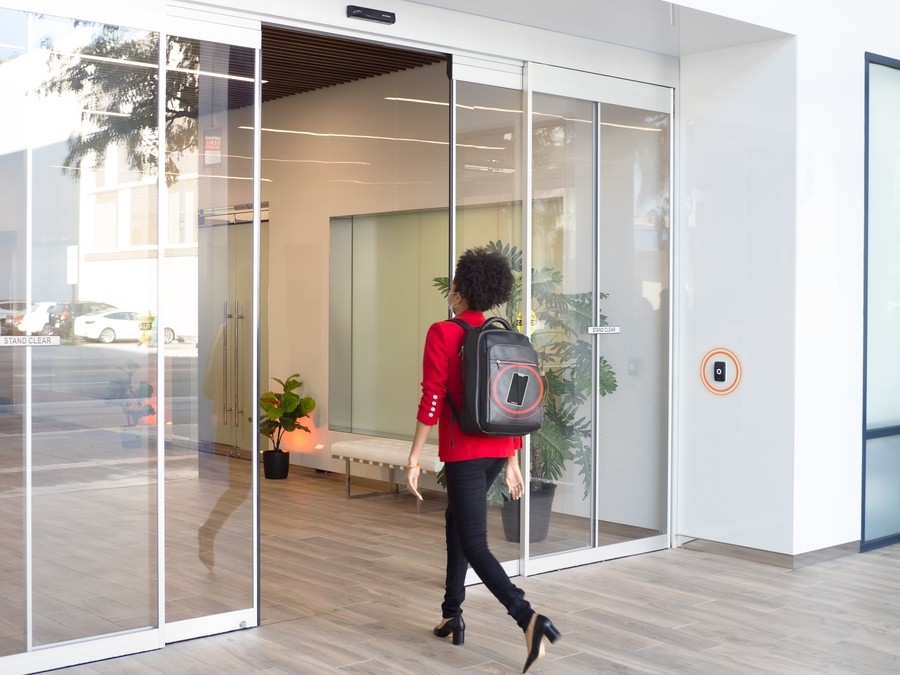
Hand tapping an ID card to a Verkada access control reader.

Protect What You’ve Built with Building-Wide Access Control 

What happens when your facility’s entry points aren’t as secure as you think?

In just the last year, several Texas-based businesses and organizations have suffered devastating breaches, each incident underscoring the need for proactive, intelligent access control.

While motives vary, these incidents share one common thread: a lack of sufficient physical access control. A damaged keypad, an unmonitored entry point, or a power outage shouldn’t be a free pass for criminals.

How Can I Display Multiple Feeds at Once on My Video Wall?

how-can-i-display-multiple-feeds-at-once-on-my-video-wall

Getting Started with Direct-View LED Walls 

From command centers to retail spaces, all types of businesses thrive with a video wall display. 

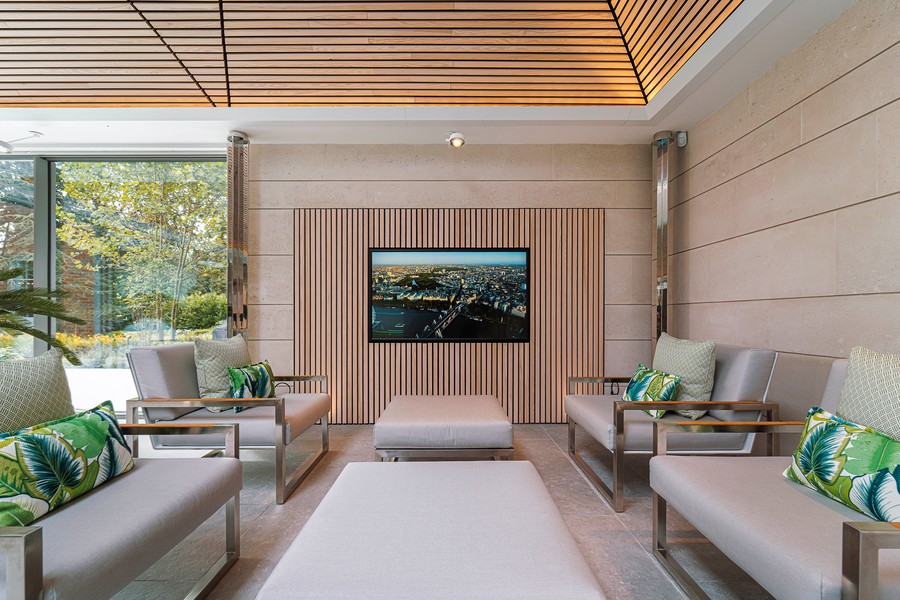
While the video wall has been around for quite some time (first introduced in the early 1980s), the latest, greatest version in 2025 is the Direct View LED Video Wall. Unlike previous iterations, DVLEDs don’t use a backlight to display an image. Instead, each individual LED diode is both a light source and a pixel. Each pixel emits its own light, creating richer colors and a smooth, grid-free image. 

Direct View LED walls are also completely modular and scalable to any size or aspect ratio—which is especially helpful for any business looking to get creative with their video wall display. You don’t have to stick to one image or video on the screen. Why not use your wall-sized screen to share all the content you desire? 

Whether you need game coverage in a sports bar or wayfinding content in an airport, a commercial integrator like Texadia Systems can help you customize the number of images/videos on display. Here’s how it works. 

Two Essential Components: the Processor & Controller 

To set up your video wall’s display, you’ll need a quality processor and controller, which serve two very distinct purposes:
Continue reading

Is Ketra Lighting Worth It?

is-ketra-lighting-worth-it

Let’s Take a Closer Look. 

“Is Ketra really worth it?” 

It’s a common question searched online and asked by our showroom visitors. Because while Ketra is regarded as the gold standard of tunable lighting control, it does have a notably higher price tag than products like Philips Hue. So, is it really the best? 

To understand Ketra’s value, it’s best experienced in person. But until then, let’s explore what makes Ketra more than just another lighting product, and why it’s trusted by design professionals, homeowners, and architects alike.

Not Just Bulbs: A Complete Line of Architectural Lighting

While most smart lighting brands focus on retrofittable LED bulbs, Ketra offers an expansive architectural-grade line: recessed downlights, linear tape lights, and track lights, all fully color-tunable across 16 million colors. We can use Ketra alone to create complete lighting designs, from ambient and accent lighting to task-focused areas.

The technology is equally advanced: each Ketra fixture contains a 16-diode chip, giving it the precision to render the exact hues and dynamic white tuning you desire. 

Continue reading

Buying a New House or Building? Here’s How to Make It Smart

A home interior with a Control4 smart home control panel on the wall.

Look Ahead & Upgrade to Make the Most of Your New Home 

Are you purchasing a home with a home control system? Congrats! If it’s all ready for you, you’ll love it. 

Unfortunately, that is not always the case. New homeowners are often left with an outdated system or one that’s missing components. Maybe there’s wiring and speakers in place for multi-room audio, but it’s not set up for you. Or perhaps there’s a centralized lighting system installed, but some of the keypads no longer work. 

Or maybe your new home doesn’t feature any smart home technology, but you’d still like to install it. It isn’t too late! Wherever your house is in the smart home journey, here’s a technology checklist to help you create a connected, convenient home. 

Case Study: AV Integration for a Hospital Auditorium in Dallas/Fort Wort

Case Study: AV Integration for a Hospital Auditorium in Dallas/Fort Wort

Enhance Your Healthcare Campus with Advanced AV Solutions

Effective communication is non-negotiable, especially for institutions that serve as hubs for innovation, collaboration, and ongoing training. One leading hospital in the Dallas/Fort Worth area recognized that its existing auditorium audio video setup no longer met the needs of modern medical education and leadership meetings.

They turned to Texadia Systems to deliver an AV transformation that would support their commitment to excellence without disrupting current infrastructure. The resulting state-of-the-art auditorium supports high-impact presentations, seamless collaboration, and user-friendly operation for medical professionals and administrators alike.

From Complexity to Clarity: How Unified Lighting & Shading Simplifies Daily Life

TEXSYS_AprilContent1_UnifiedLightingShading

When ‘Smart’ Starts to Feel Complicated

Today’s homes are filled with technology designed to make life easier: smart bulbs, dimmers, apps, remotes, and voice assistants. But for many homeowners, the reality feels very different.

Instead of simplicity, there’s confusion. Which app controls the kitchen lights? Why do the shades use a different remote? Why are there six switches on one wall?


What appeared ‘smart’ initially quickly becomes fragmented. And over time, that friction impacts how you experience your home, turning everyday moments into small, repeated inconveniences.

The Conference Room Reset: How Hybrid Work Forced Companies to Rethink Collaboration Spaces

the-conference-room-reset-how-hybrid-work-forced-companies-to-rethink-collaboration-spaces

How Hybrid Work Reveals the Weaknesses of Outdated Meeting Rooms 

In 2020, when most of the working world went online, we proclaimed that the future was remote. Many business owners worried their offices would forever sit empty. 

That didn’t turn out to be the case—instead, most businesses are operating on a hybrid model. Today, 50-52 percent of ‘remote capable’ jobs are working hybrid, with 22-30 percent fully remote and 20-22 percent entirely on-site. 

What AI Can’t Tell You About Your Smart Home

what-ai-cant-tell-you-about-your-smart-home

A Proper Assessment Requires a Clear Understanding of Your Home

You asked an AI assistant about smart home systems, and the answer sounded sure of itself. It compared platforms and named brands, then suggested a budget. AI works from general information. But it can’t answer the most important question: Does any of this apply to my home?

It has never seen your walls, your electrical panel, or the wiring your builder chose. They don’t know the devices you already use and how you use them. Those details determine whether a plan works. 

If you are building or renovating a smart home in the Dallas/Fort Worth area, contact Texadia Systems to book a walkthrough before you buy anything. Keep reading for four things AI cannot know about your house, and how each one affects the final result.

What Is Already Installed in Your Home

A chatbot cannot see the keypads on your walls, the thermostat in your hallway, or the audio system the previous owner left behind. Some of that equipment works with many control platforms. Some of it talks only to its own app. A wrong platform choice means replacing gear that worked fine, or keeping the gear will only cause headaches down the line.  

A Texadia designer starts by consulting with you about how you use technology: which features matter most? What type of control options do you prefer? We also get a sense of what is already available in your home in the case of a remodel. From there, we recommend a platform that fits your equipment and your family's routines. 

Continue reading

How to Make Hybrid Work More Personable & Connected

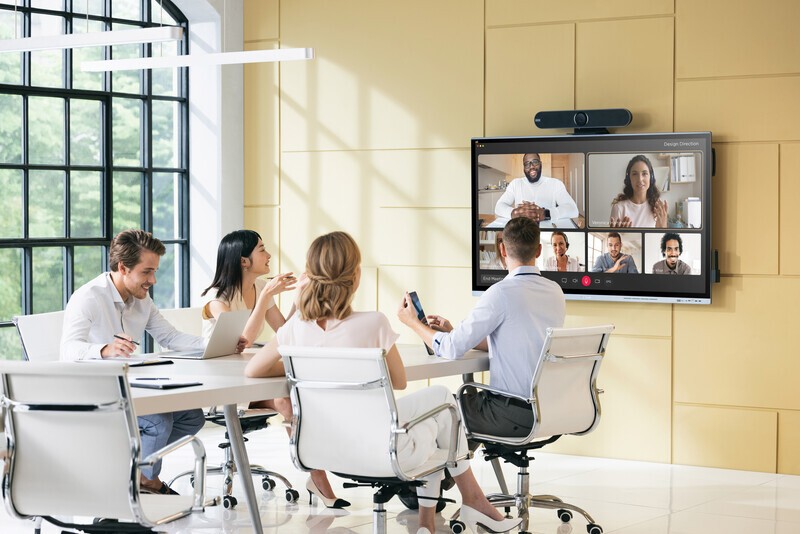
People at a conferencing table participating in a hybrid video call.

Get the Benefits of Remote Work without the Downsides 

We love hybrid work. It’s incredibly convenient, widens talent pools, and helps people live their best lives without the stress of long commutes and finding local housing. 

But have we lost something without seeing each other in person? Face-to-face interactions lead to fewer misunderstandings, more effective communication, and stronger bonds. So, when your teams aren’t in person together, it’s critical to replicate the face-to-face experience the best way possible.

A well-designed video conferencing system not only ensures effective communication but also creates an inclusive environment where every team member feels equally valued. Let’s explore how advanced conferencing technology can improve hybrid communication and create a more welcoming company culture. 

The Best Microsoft Teams Features Most Businesses Never Use

the-best-microsoft-teams-features-most-businesses-never-use

See What Your Conference Room Can Actually Do

Most businesses running Microsoft Teams have no idea how much the platform can do beyond starting a call. Teams Rooms has grown into a genuinely capable meeting platform, but a lot of that capability sits unused because nobody set it up—or knew it existed in the first place. 

At Texadia Systems, we design and install Teams Rooms systems across Dallas-Fort Worth, and we spend as much time introducing clients to features they didn't know they had.

Getting People Into the Room Faster

The biggest friction point in most meetings is the first two minutes. Teams Rooms solves this with one-touch join, QR code join, and direct guest join, so nobody's hunting for a meeting ID or waiting on IT. 

And because cross-platform join now supports Cisco Webex, Google Meet, Zoom, and standard SIP connections, you're no longer locked out of meetings just because a client or vendor uses a different platform. If your business regularly hosts outside partners, this alone solves a recurring headache.

Features That Change How a Meeting Actually Runs

Once people are in the room, Teams Rooms gives you real control over how the meeting looks and functions:

Continue reading

How We Helped a DFW Financial Institution Simplify Their AV Systems

how-we-helped-a-dfw-financial-institution-simplify-their-av-systems

Client Success Story: Transforming Tedious Tech Into a Smooth, Integrated Experience 

When a leading financial institution in Dallas/Ft. Worth expanded its office with a new floor, they knew they would need new AV technology. But after evaluating their existing systems, they realized it may not be as simple as adding on new tech. 

The problem? Their previous technology stack was anything but simple. Frequent reboots, inconsistent room experiences, and disjointed systems created barriers to productivity, and eroded their confidence in the technology.

That’s where Texadia Systems stepped in with a plan: simplify, standardize, and stabilize.

Why Conference Room Lighting Should Not Be Overlooked

why-conference-room-lighting-should-not-be-overlooked

Attract (and Keep!) Top Talent While Improving Productivity in Your Meeting Spaces 

How is your conference room’s lighting? 

While it may not seem like the most urgent concern, your office’s environment can have a direct impact on employee performance, productivity, and morale. If people dislike being in your office, even if only a few days a week, they’ll be more likely to look elsewhere for work. 

Texadia Systems works with businesses across Dallas-Fort Worth, and we’ve seen our fair share of poor meeting room lighting. After we come in and update the lighting design, people are amazed at how much more enjoyable it is to meet and collaborate in their meeting spaces. 

So, whether you’re moving into a new unit or upgrading your current workspace, consider the following updates to your conference room lighting.

First, Get As Much Natural Light as Possible 

We can’t stress this enough. While most of us know intuitively that natural light makes us happier, there’s science to back it up. A 2018 study by the World Green Building Council found that workers in offices with natural light reported up to 15 percent higher levels of well-being, productivity, and creativity. A study by Cornell University also found that workers in daylit offices experience 84 percent less eye strain, headaches, and blurred vision compared to artificially-lit spaces. 

Continue reading

Physical Access Control for the Hybrid Era

physical-access-control-for-the-hybrid-era

How Hybrid Work Has Changed the Rules

The predictable 9-to-5 office no longer defines how buildings are used. Today, employees, vendors, and guests move in and out of offices on flexible schedules, and many spaces sit partially occupied (or unoccupied) throughout the week.

That variability introduces new vulnerabilities:

  • Empty offices during off-hours
  • Inconsistent staff presence
  • Increased reliance on temporary access permissions
  • Increased curiosity into who is onsite at any given time

As our habits change, our security should adapt alongside them. When staff members may only be in the office a few days per week or month, chasing them down to issue a new badge or replace keys is a quest that can easily fall through the cracks. But with a centralized, cloud-based platform—one that lets you access and update entry credentials from anywhere? It’s done in seconds. 

Let’s take a closer look at how Dallas-Fort Worth businesses are adapting their access control security for the hybrid workplace. 

Improve Sound & Office Privacy in a Glass Wall Conference Room in Dallas, TX

b2ap3_large_how-to-eliminate-echo-improve-privacy-in-a-glass-walled-conference-room-1

Glass-walled conference rooms are a hallmark of today’s modern, open-concept office. In urban Dallas offices—especially coworking spaces, design firms, and corporate headquarters—they offer sleek aesthetics, natural light, and a sense of transparency.

However, they come with two major acoustic challenges: echo and lack of privacy.

If your glass wall conference room in Dallas, TX, sounds more like a gymnasium than a meeting space, you’re not alone. Fortunately, solutions like acoustic treatments, sound masking, and AV integration can transform your space into a functional, private environment. Let’s explore how.

A More Intentional Approach to Workplace Design in 2026

a-more-intentional-approach-to-workplace-design-in-2026

Why the Most Successful Modern Offices Are Designed Systematically 

Most organizations move into an empty office space and from there, build their technology one room at a time. A conference room gets upgraded. A huddle space gets a new display. Another team purchases its own video conferencing solution. 

Over time, the office becomes a collection of disconnected experiences, with some rooms up to modern standards—and others left somewhere in the mid-2000s.   

Today’s leading organizations are taking a different approach. Instead of making isolated technology decisions, they're designing connected collaboration ecosystems that consistently support hybrid work and create a better experience for all employees, wherever they decide to meet. Here’s how they’re doing it.  

A Smart Home’s Nothing Without a Strong Network

a-smart-homes-nothing-without-a-strong-network

How Networking Powers Today’s Lighting, Shading, & Automation Systems

Most people tend to focus on the fun, flashy aspects of smart home living: beautiful lighting scenes, motorized shades, whole-home audio, etc. And it’s understandable—that’s the part you want to experience in your home. 

But what many homeowners don't realize is that every one of these experiences depends on something less visible: a professionally designed network. In this article, we'll explore how networking infrastructure supports today's most sophisticated smart homes in and around Dallas–Fort Worth, and what homeowners should consider when building or upgrading their residences. 

The Hidden Side of Smart Home Ownership: Why Service Matters

the-hidden-side-of-smart-home-ownership-why-service-matters

A luxury smart home isn't a one-time project. It's an investment that deserves ongoing care.

Installing a custom smart home is an exciting milestone. Your lighting responds to the time of day, music follows you from room to room, and every system works together with a simple tap or voice command.

But what many homeowners don't realize is that the installation is only the beginning.

Like any sophisticated home system, smart technology performs best when it's maintained over time. Software evolves, devices receive updates, and your family's routines naturally change. The homeowners who enjoy the most reliable, stress-free experience aren't necessarily the ones with the most technology. They're the ones with the right support behind it.

6 Apps to Control Your Home? There Must Be a Better Way

6-apps-to-control-your-home-there-must-be-a-better-way

Condense Your Apps Into One Smart System 

To any homeowner who’s interested in smart home living, we tell them the best decision they can make is having a professional install a home automation system. 

But this recommendation is often received with skepticism. “I don’t need a whole smart home system!” they say. “I just want some smart lights and a smart thermostat and a few other things.” 

Fine, fine, fair enough. But as you begin to collect more smart home devices over the years, you may find yourself in over your head with apps and remotes. Here’s where it can go wrong. 

Subscribe to Inspiration
Stay up to date on the latest smart technology ideas and innovations.

Powered By One Firefly   |    Sitemap   |    Privacy Policy


https://www.cigna.com/legal/compliance/machine-readable-files

This link leads to the machine-readable files that are made available in response to the federal Transparency in Coverage Rule and includes negotiated service rates and out-of-network allowed amounts between health plans and healthcare providers. The machine readable files are formatted to allow researchers, regulators, and application developers to more easily access and analyze data.